CamSoda Verification Rejected: Causes and How to Fix It
You signed up, signed the contract, sent your document… and your CamSoda verification was rejected. Do not give up: almost always the reason is a photo that cannot be read, a detail that does not match the document or a step left half done. Here are the most common causes and how to fix them so you get approved on the next attempt.

First: find out the reason
Look at the message in your account and at the email they sent you; they often say what went wrong. If you cannot find the email, check your spam folder. Do not send everything again without knowing the problem: you only lose time and the review starts again from zero.
Verification exists to confirm that you are an adult and that you are the person who will broadcast. Real people check the documents: if something is not clear, they prefer to say no.
The most common causes of a rejected verification
The photo of the document
- blurred, dark or with flash reflections on the plastic cover;
- cropped document: corners or edges missing;
- a screenshot of a digital ID or a phone app instead of the physical document;
- an expired document, or one so old that the photo no longer looks like you.
The selfie with the document
- face covered by hair, sunglasses or a cap;
- beauty filters or make-up that change your face;
- a document that cannot be read because it is too far away or out of focus.
The details in the form
Your name must be identical to the one on the document: same first names, all surnames, same order. A married name that is not on the document is a common mistake. Date of birth and country must match too. One different letter is enough for it not to match.
Unfinished steps
The sign up has four steps: account, contract, document and verification. If you did not sign the contract or left a field empty, the account does not move forward. Check everything in the CamSoda sign up guide.
Try again as a model
Affiliate link · Free · 18+ only
Which document to use
Use a physical document within its expiry date: passport, national identity card or driving licence. A receipt or an application form for a new document is not an identity document and will not be accepted. If you have both, the passport is usually the safest choice, because it is recognised in every country.
How to take the photos the right way
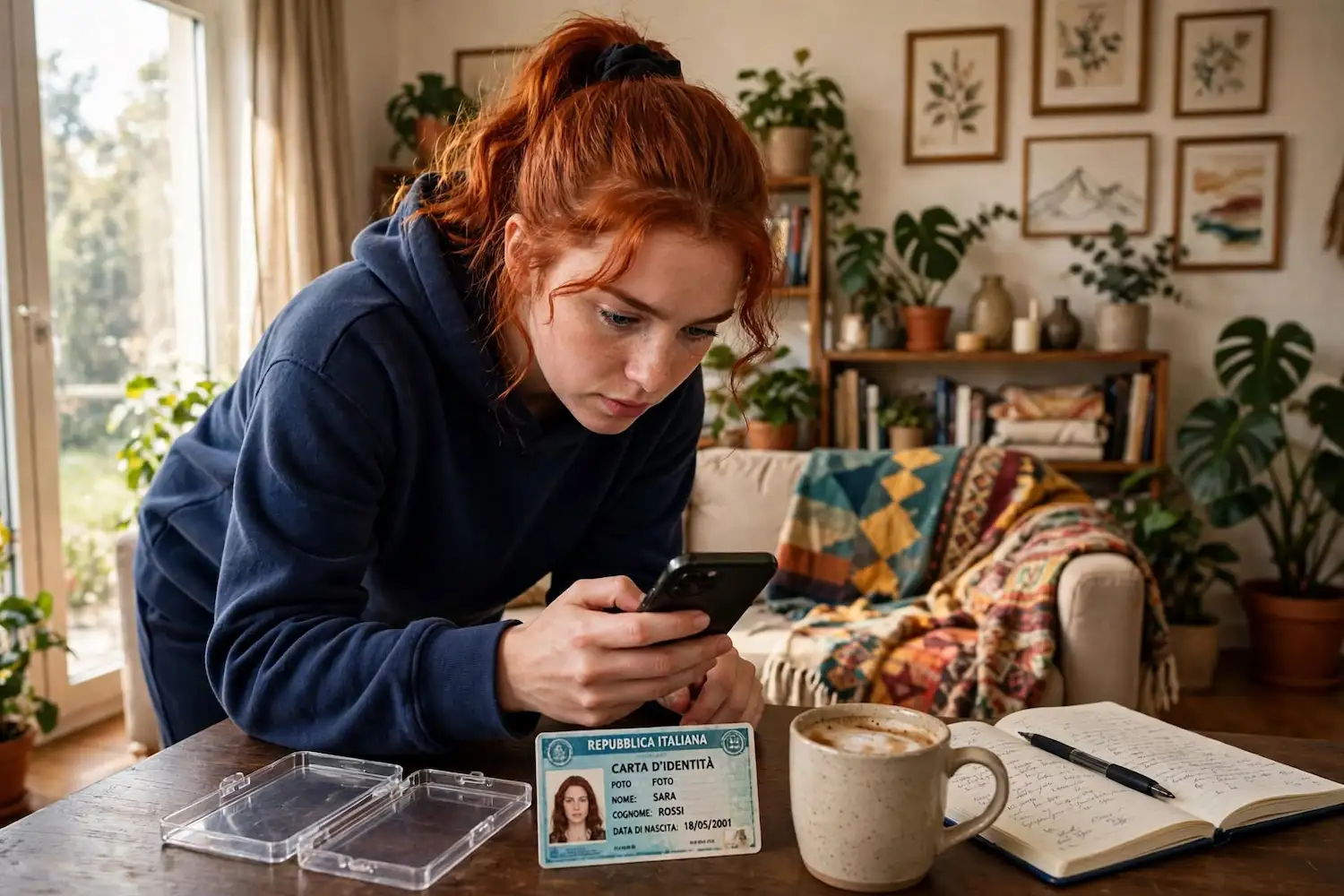
- Take the document out of its plastic cover and place it on a dark surface.
- Look for natural light, near a window, without flash.
- Frame the whole document, with all four corners, and check that everything can be read.
- For the selfie, hold the document next to your face without covering it, with your hair back and no filters.
- Use your phone’s rear camera, which is almost always better than the front one or an old webcam.
Was your account with a studio?
If you have already worked on this site through a studio, your profile may still be linked to it. In that case, an independent account is approved only after the studio releases you in writing or after the period set by the site’s rules has passed. Ask support to explain your situation.
If the account was closed after approval
Then the problem is no longer verification but the rules: an unverified person on camera, minors in the room, alcohol, meetings or payments outside the site. Read the notice, write to support calmly and review the CamSoda rules. Do not create another account: it is forbidden and makes everything worse.
What you must never do
- Use someone else’s document or let someone sign up for you: it is fraud.
- Pay anyone who promises to “unlock” your account: it is a scam.
- Use a VPN during verification: if your connection appears in a different country from your document, it raises suspicion.
If the answer is still no
Every site has its own checks and its own list of accepted countries. Many models who are rejected on one site are approved on another with the same documents. Have a look at Stripchat or LiveJasmin (and what to do if you get a rejected verification there too).
You can also try StudioHotLine: there models are not allowed to undress in the public chat in front of hundreds of users who do not pay. In public you talk, with a built-in translator, and anything more intimate, if the model wants, happens only in a private with the one person who pays.
Frequently asked questions
How many times can I try CamSoda verification again?
You can send your documents again after a rejection, but fix the reason first.
Can users see my documents?
No. They are used only for verification and payouts; the audience only sees your stage name.
How long does the new review take?
It depends on the site, but with clear photos and correct details it is usually quick.
Once you are approved, see what each token is worth in CamSoda earnings and how to get paid every week in CamSoda payouts.
Choose where to start
In public you stay dressed and talk, with a built-in translator: anything more only in private, for the one who pays.
Sign up for free →If you don’t receive the confirmation email, check your spam folder.
Affiliate links · 18+ only