Many women put off starting as a webcam model because they think they need expensive equipment. It’s not true. To begin, a few well-chosen items are enough, and you can improve your setup over time, as your earnings grow. In this guide to webcam model equipment we explain what really matters, in order of importance, and what you can leave for later.
1. Lighting: the most important equipment
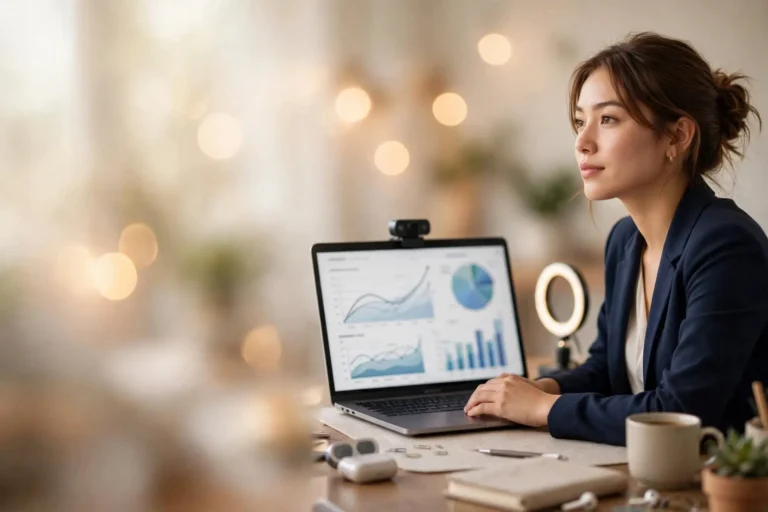
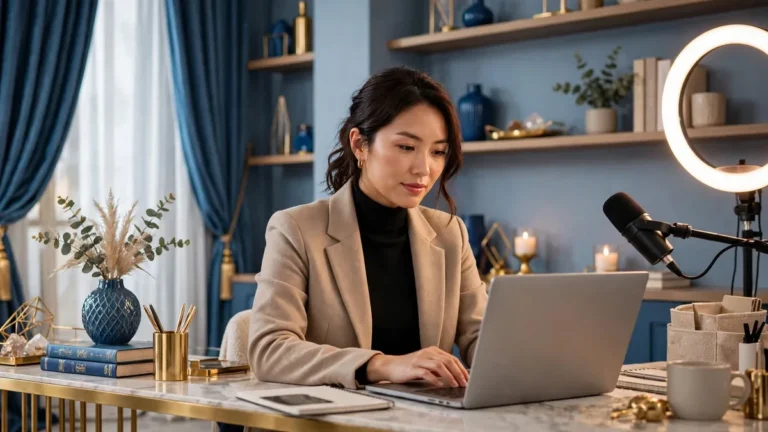
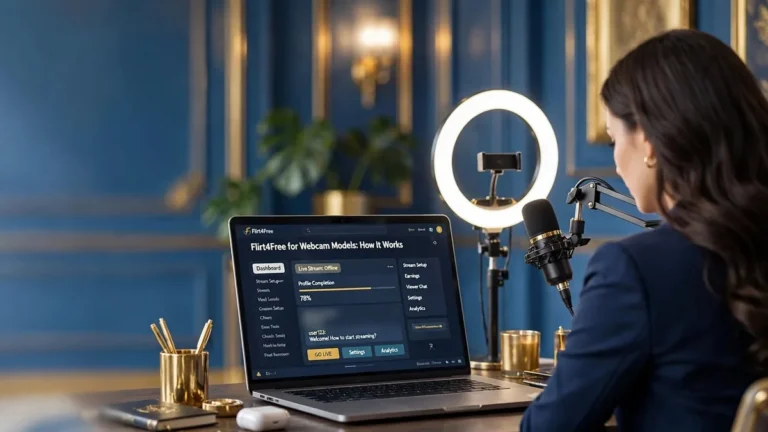
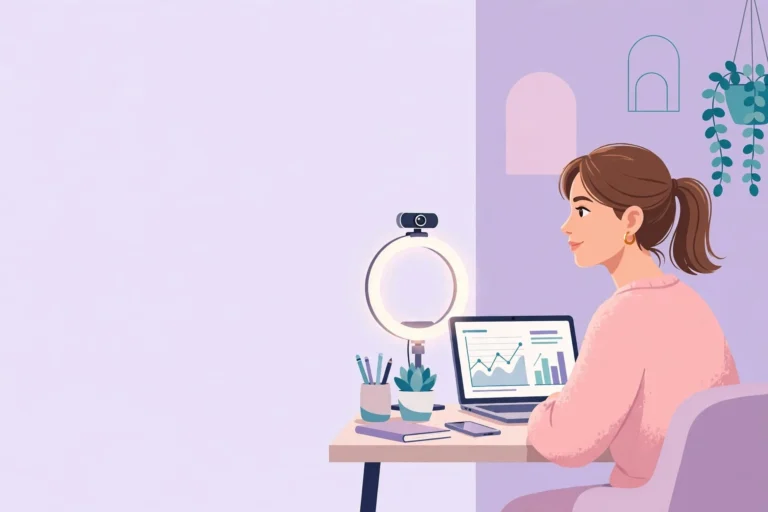
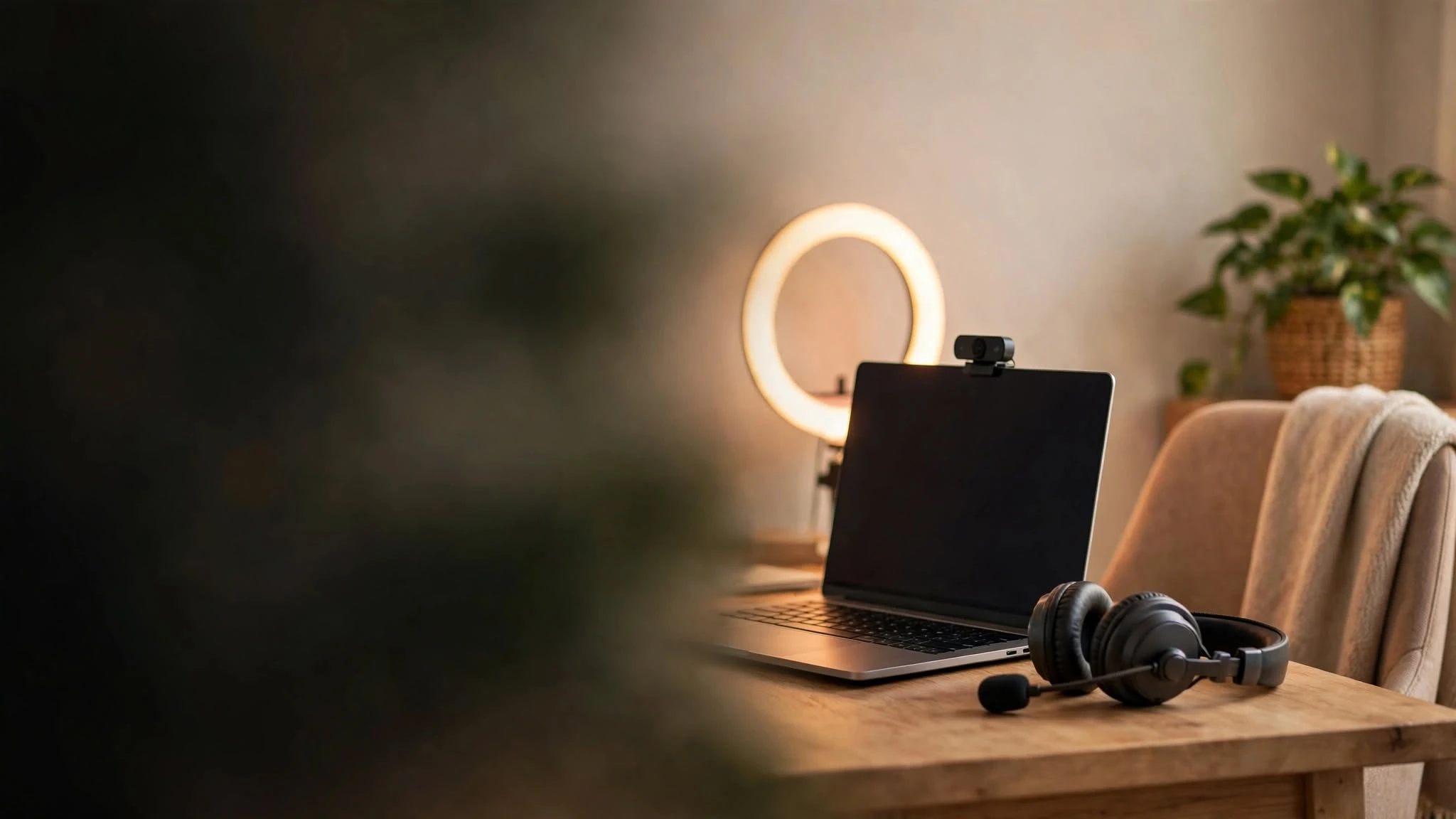
Good lighting matters more than an expensive camera. A cheap webcam with good light looks better than a professional camera in a dark room. A ring light placed behind the camera, facing you, gives soft and even light on your face. Avoid having a window behind you: it turns you into a dark silhouette. If you can, add a second soft light on the side to give depth to the image. Warm, natural tones are more welcoming than cold white light.
2. Webcam: sharp and stable
A webcam with Full HD (1080p) resolution is enough to start and to work well for a long time. Place it at eye level or slightly above: shots from below are rarely flattering. At the beginning you can also use a good-quality smartphone as a camera, mounted on a stable stand. What really counts is a clear, steady image, not the brand.
3. Microphone or headset: be heard clearly
Conversation is a big part of the job, especially on platforms where you stay dressed in public chat and work by talking. A simple desk microphone or a headset with a built-in mic is much better than the computer’s internal one, which picks up echo and background noise. Test your audio before every show and keep the room as quiet as possible.
4. Internet connection: stable upload
For live streaming, what matters is the upload speed, not just download. A stable connection avoids freezes and dropped shows, which make users leave. If you can, connect your computer with an ethernet cable instead of Wi-Fi: it’s the simplest way to make your stream more reliable.
5. Computer: reliable, not expensive
You don’t need a gaming computer. A laptop or desktop from the last few years, with enough memory to run the browser and the platform without slowing down, is enough. Keep it updated, close the programs you don’t need while you’re live, and use it only for work if you can, to keep things separate from your private life.
6. Background and privacy: a corner that reveals nothing
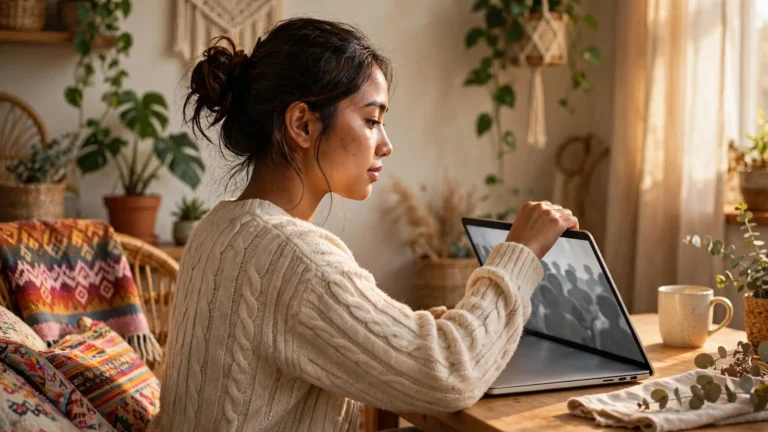
Your background is part of your equipment, and it protects your privacy. Choose a neutral, tidy corner with a door you can close. Remove anything that could reveal who you are or where you live: documents, letters, family photos, recognizable windows or views, objects with your name or address. A plant, a soft blanket or a simple wall are perfect. Read more in our guide to cam girl sites and privacy.
7. Software and comfort
Many platforms let you stream directly from the browser, so at the beginning you don’t need any extra software. Later, if you want more control over image and sound, you can use free streaming software like OBS Studio. And don’t forget comfort: a good chair, water within reach and a pleasant temperature in the room. You’ll spend hours online, and how you feel shows on camera.
Start simple, upgrade later
The right order is: light first, then camera, then microphone. With a ring light, a Full HD webcam or a good smartphone, a simple headset and a stable connection, you can start working properly. Upgrade your equipment step by step, using your earnings, and only when you know what you really need. Spending a lot before you’ve even started is the most common mistake.
Before buying anything, also read our guide on how to become a cam girl and compare the cam girl platforms: some, like StudioHotLine, let you stream directly from the browser with a built-in translator, so you can start with very little.
Ready to start from home?
On StudioHotLine you stay dressed in public chat, the audience comes to talk and the relationship with users stays on the site. Signing up as a model is free.
Sign up free on StudioHotLine →Signing up as a model is free and the platform pays you directly. These are the ones we recommend:
Designed for working from home, with support and a relationship with users that stays on the site.
Sign up free →Affiliate links · Adults only
Frequently asked questions
Can I start with just a smartphone?
Yes. A good smartphone on a stable stand, with proper lighting, is enough to start. You can switch to a webcam later.
What is the most important piece of equipment?
Lighting. A ring light behind the camera improves your image more than any expensive camera.
Do I need special software?
Not at the beginning. Many platforms work directly in the browser. Free tools like OBS Studio are useful later, if you want more control.
How much should I spend on equipment at the start?
As little as possible. Start with the basics and upgrade step by step with your earnings. Read our guide to webcam model earnings for realistic expectations.